
Smartphone Camera Video Stabilization: A Game-Changer for Smooth Recording
In today’s digital age, capturing high-quality video with a smartphone is easier than ever. Whether you’re recording a vlog, shooting a family moment, or documenting an event, video stabilization plays a crucial role in ensuring smooth and steady footage. In this article, we’ll explore what smartphone camera video stabilization is, why it matters, and how it enhances your video recording experience. We’ll also look at the latest technologies that manufacturers are using to improve stabilization in modern smartphones.

What is Smartphone Camera Video Stabilization?
Video stabilization is a technology used in smartphone cameras to reduce or eliminate the shaky effect that can occur while recording videos. When filming on the move, small hand movements can cause the camera to shake, resulting in jerky or unstable footage. Stabilization systems counteract these movements, making the video appear smooth and professional.
There are two primary types of video stabilization used in smartphones:
1. Optical Image Stabilization (OIS)
OIS works by physically adjusting the camera’s lens or sensor to counteract hand movements. This system helps reduce blur and shake by compensating for small shifts in the camera’s position. OIS is more effective in low-light conditions and when shooting at higher zoom levels.
2. Electronic Image Stabilization (EIS)
EIS, on the other hand, relies on software to correct shakiness by cropping the edges of the video frame. EIS adjusts the video footage in real-time, eliminating unwanted shakes and jitter. While EIS is effective in providing smooth footage, it can sometimes result in a loss of image quality due to the cropping process.
Some smartphones use a combination of both OIS and EIS for the best stabilization results, giving you smoother video with less distortion.
Why is Video Stabilization Important?
1. Professional-Quality Footage
The primary benefit of video stabilization is the ability to record smooth, professional-looking videos. Without stabilization, handheld video footage can look shaky and distracting, detracting from the overall quality. Whether you’re a content creator, influencer, or just someone who loves to capture special moments, having steady video is crucial for high-quality content.
2. Enhanced Viewing Experience
Smooth videos are more enjoyable to watch, particularly when viewing on larger screens like TVs or computers. Stabilization ensures that the focus remains on the subject, rather than the distracting motion of the camera. This is especially important for viewers who may experience discomfort or motion sickness from shaky videos.
3. Improved Low-Light Performance
In low-light conditions, camera shake can be more noticeable, leading to blurry or grainy footage. With the help of OIS, you can capture clearer, more stable videos even in dimly lit environments. This allows for better night-time recording without compromising on video quality.
How Does Smartphone Video Stabilization Work?
Modern smartphones use advanced sensors, algorithms, and camera technologies to stabilize video footage. The process involves a combination of hardware and software working together to minimize shake and blur.
1. Gyroscopic Sensors
Smartphones are equipped with gyroscopic sensors that detect movement in real-time. These sensors can track subtle hand movements, allowing the camera system to respond quickly and adjust the lens or sensor position accordingly.
2. In-Body Stabilization
Some premium smartphones feature in-body stabilization, where the camera sensor or lens physically shifts to counteract hand movements. This system is often combined with OIS for improved stabilization.
3. Software Algorithms
In addition to hardware-based stabilization, smartphones use software algorithms to smooth out any remaining shakiness after the video has been recorded. These algorithms analyze the footage frame by frame and adjust for any inconsistencies.
Best Smartphones for Video Stabilization
If you’re looking for a smartphone that offers excellent video stabilization, consider the following models that are known for their superior stabilization technology:
1. iPhone 15 Pro Max
The iPhone 15 Pro Max uses a combination of OIS and EIS to deliver ultra-smooth video recording. Apple’s advanced software further enhances stabilization, making the iPhone 15 Pro Max a top choice for videography. The phone’s cinematic mode and ProRes video recording offer high-quality video with minimal shake, even when moving or filming in low light.
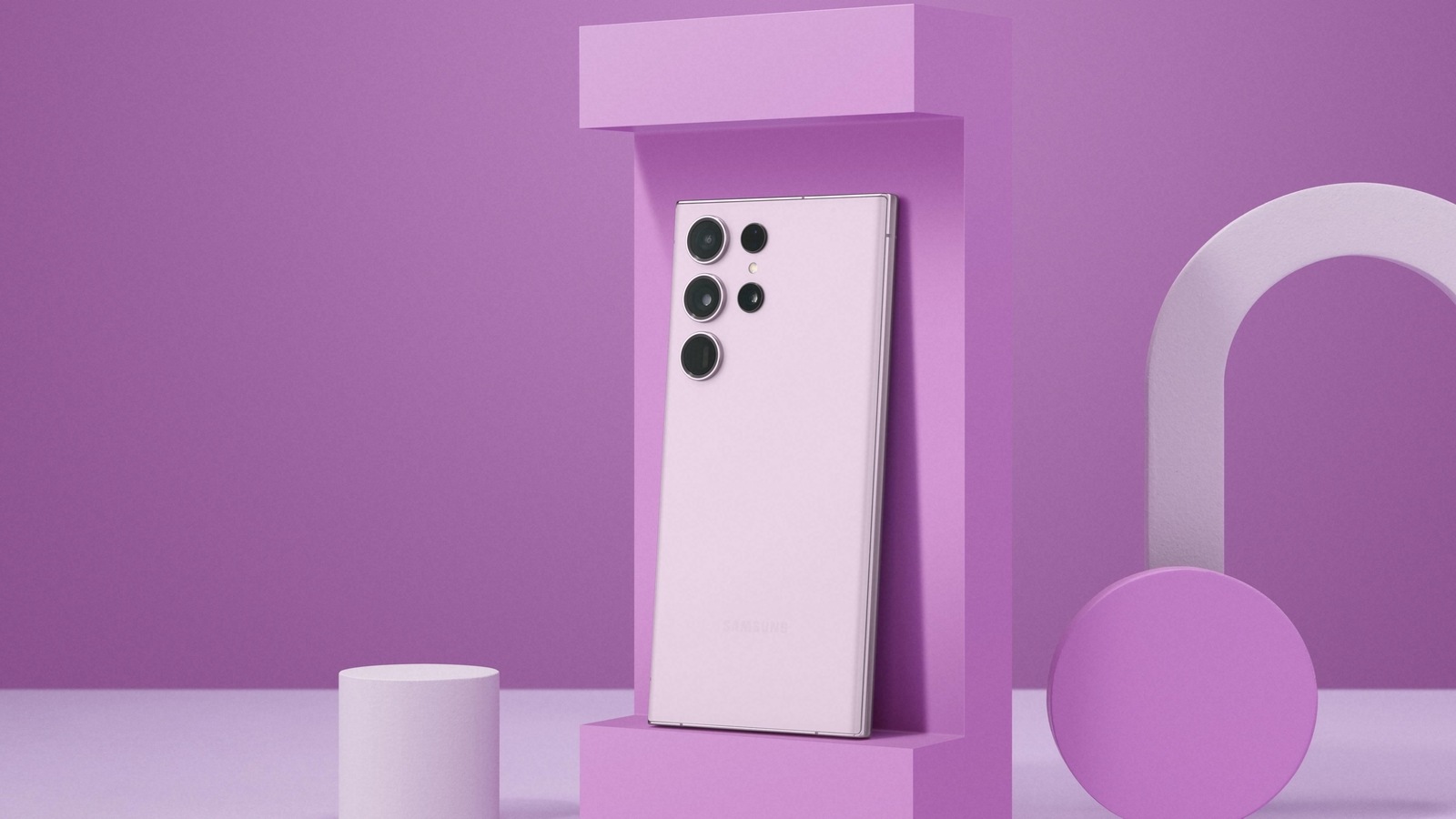
2. Samsung Galaxy S23 Ultra
The Samsung Galaxy S23 Ultra is another flagship that features Super Steady video mode, which leverages OIS and EIS to reduce camera shake during recording. The phone’s 200MP camera is complemented by top-tier stabilization, providing smooth footage even in fast-moving scenes or while walking.
3. Google Pixel 8 Pro
The Google Pixel 8 Pro excels in video stabilization with a combination of optical and electronic stabilization. Its Real Tone technology also ensures that colors are accurately captured in video, making it ideal for vloggers and content creators.
4. OnePlus 11
The OnePlus 11 uses OIS and EIS to offer stable video recordings. Its 10-bit HDR and advanced software stabilization provide clear and smooth footage, making it one of the best choices for video enthusiasts.
5. Xiaomi 13 Pro
The Xiaomi 13 Pro features OIS on its main camera, and it combines that with EIS for video stabilization. It also supports 8K video recording, offering top-tier performance for users looking for the best video quality with minimal shake.
How to Improve Smartphone Video Stabilization
While modern smartphones offer incredible stabilization technologies, there are still ways to improve the quality of your video recordings:
1. Use a Tripod or Gimbal
For even more stable footage, consider using a tripod or a gimbal. These accessories can eliminate most of the shakes and jerks that occur when filming handheld.
2. Enable Steady Video Modes
Most smartphones come with built-in video stabilization modes (such as Super Steady or Cinematic Mode). Make sure to enable these modes for the smoothest footage possible.
3. Hold the Phone Correctly
To reduce hand shake, hold your smartphone with both hands and keep your arms close to your body. Avoid sudden movements, and try to keep your phone as still as possible while recording.
4. Use Software to Stabilize After Recording
If your video still has some shake, you can use video editing apps with post-processing stabilization tools. Apps like Adobe Premiere Rush or Final Cut Pro allow you to stabilize video after it has been captured.
FAQs
1. What is the best smartphone for video stabilization?
The iPhone 15 Pro Max and Samsung Galaxy S23 Ultra are two of the best smartphones for video stabilization, featuring OIS and EIS technologies for smooth footage.
2. Can video stabilization reduce camera shake completely?
While video stabilization technology significantly reduces shake, it may not eliminate all camera movement, especially in extreme conditions. Using additional accessories like gimbals can further improve stabilization.
3. Is Optical Image Stabilization (OIS) better than Electronic Image Stabilization (EIS)?
OIS generally offers better results for low-light photography and zoomed-in shots because it physically stabilizes the lens. However, EIS is great for compensating for hand movements and can work well in brighter conditions.
4. Can video stabilization work in low light?
Yes, OIS is particularly effective in low-light situations as it helps keep the footage steady, even in challenging lighting conditions.
Conclusion
Smartphone camera video stabilization has come a long way, and today’s top devices offer impressive features to ensure your videos are smooth, stable, and professional-looking. Whether you’re shooting a vlog, gaming footage, or simply recording a family moment, stabilization can make a huge difference. By choosing a smartphone with OIS and EIS, such as the iPhone 15 Pro Max or Samsung Galaxy S23 Ultra, you can be sure that your videos will look their best.
If you’re passionate about videography, always consider the stabilization technology of a smartphone before making your purchase. For even better results, combine these features with a tripod or gimbal to achieve the ultimate in steady filming.